A Self-Serve Certificate Generator for Entri
A tiny internal tool that rescued our designers from endless certificate-making
Arun Sajeev
4 min read · Dec 12, 2025
Background (why we were drowning in certificates)
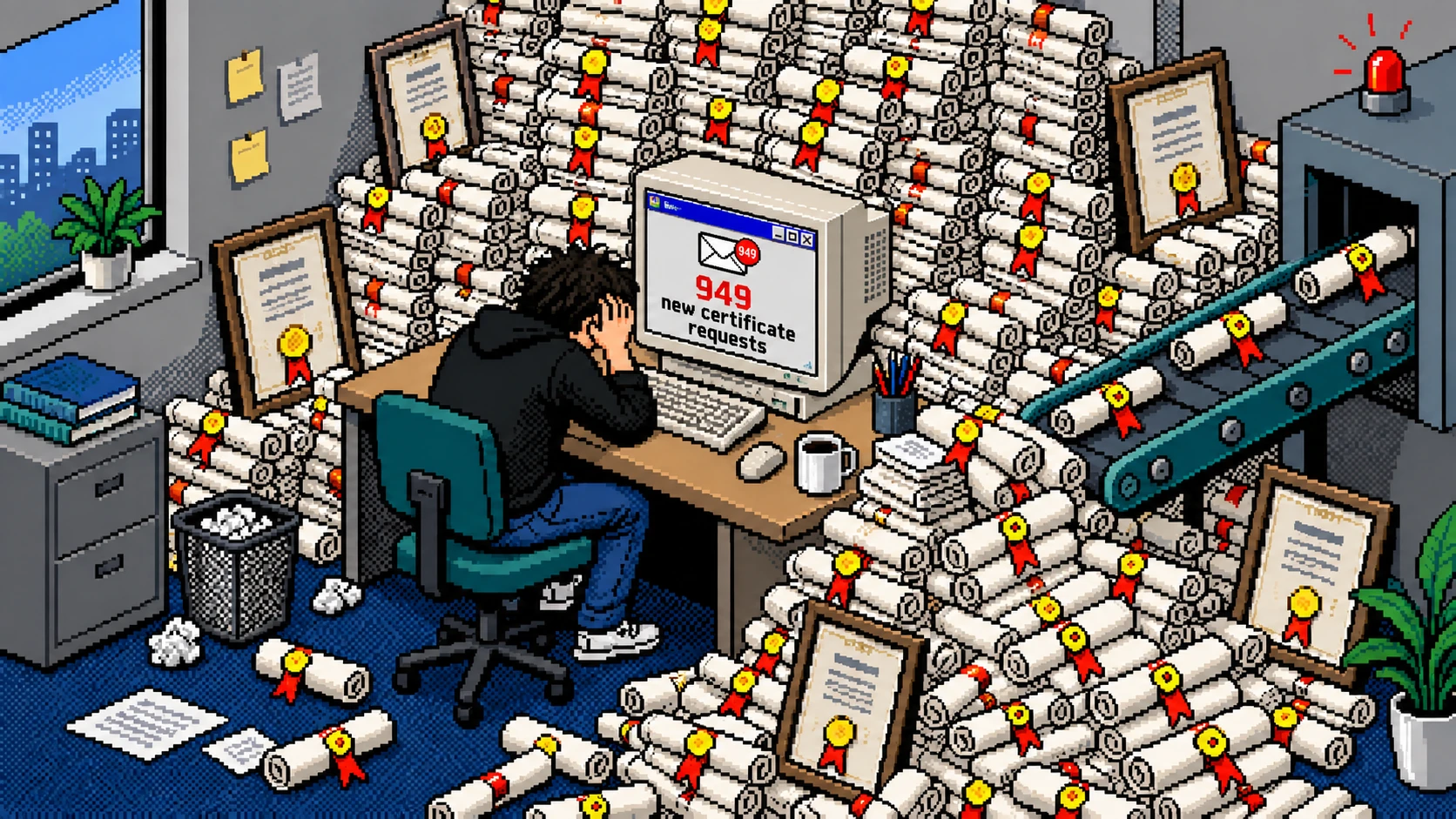
At a company our size, celebrations scale faster than humans can design certificates. At Entri, we celebrate everything. Rank holders. Entripreneurs. Winners. Achievers. All of it.
And every celebration needs a certificate. A lot of certificates.
Before we go further, a quick clarification:
This story is not about our course completion certificates. Those have IDs, validation pages, backend verification, and a whole ecosystem behind them.
This case study is about the event-based, feel-good certificates.
The “you did great!” ones. These were made manually by designers. Every single time.
This wasn’t a design problem. It was a scaling problem.
The Problem (or how we slowly became a certificate factory)
Weekly events kept coming in → tons of certificate requests → designers crying internally.

A few patterns quickly became obvious:
- Designers needed 1–2 days to deliver certificates.
- If there were only a few participants, they manually typed names.
- If there were many participants, designers used variables and hoped spacing didn’t break.
- Each designer had a different style → branding consistency suffered.
- Academic teams sometimes asked for custom certificate designs.
Basically, we were spending days every month polishing rectangles with names on them. Not the best use of design time.
If other teams are providing the details, why can’t they create the certificates themselves?
Something had to change. Preferably yesterday.
Understanding the Requirements
I had a chat with the Academic and HR teams expecting simple requests.
Instead, I got a small shopping list:
- Can we add multiple signatures?
- Sometimes we have partner logos.
- We need bulk generation… lots of bulk generation.
- Also can we edit titles and descriptions ourselves?
So the problem wasn’t making certificates.
The problem was making dozens of slightly different certificates repeatedly.
And because certificates represent official communication, access control and security were necessary.
The Experiment (Figma Make to the rescue)
I had unlimited credits in Figma Make until December 2025, so I wondered:
Can I build a certificate-generating platform without writing a single line of code?
Turns out, I could.
What followed was equal parts prototyping, prompting, and praying.
Why Figma Make worked beautifully
- It could modify specific elements inside a selected frame
- It understood the structure of my layout because of Figma metadata
- It allowed rapid conversational iteration
- No engineering dependency for early prototyping
- I could tweak layouts and logic using prompts
The first working draft appeared within minutes.
Then around 400 prompts later, I had something stable, flexible, and ready for real usage.
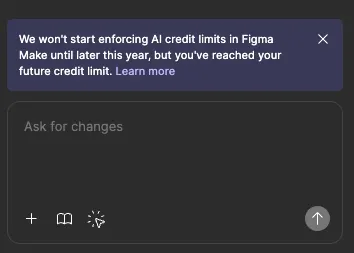
Using Figma AI credits like a true Malayali at a free buffet :)
Handling Security
Authentication was the only part that couldn’t be solved inside Figma.
So I coordinated with our engineering team.
Engineering handled
- Google login authentication
I handled
- The access code system for secure downloads
- Certificate generation logs using Google Apps Script
The goal was simple:
- Keep access limited
- Track activity
- Prevent accidental misuse
Building the Tool
(aka: making certificate creation as easy as typing someone’s name)
The final tool lets teams create:
- Participation certificates
- Achievement certificates
- Custom-title certificates
Teams can customize:
- Title
- Content
- Recipient name
- Issue date
- Partner logos
- Multiple signatures

Teams can also upload a CSV file to generate certificates in bulk.
Everything exports as print-ready PDFs.
What once took designers hours now takes teams minutes.
Walkthrough Video
Watch the quick walkthrough video:
https://youtu.be/BwSigid3_1Q
Priyanka created this walkthrough to help teams quickly understand how to use the tool.
Rollout (the surprisingly smooth part)
The HR and Academic teams jumped in immediately.
In the first month alone:
1300+ certificates were generated.
That’s nearly a full quarter of manual design work eliminated.
The tool quietly absorbed an entire category of repetitive work.
No one missed doing it. And every team moved faster.
Final Thoughts
By rethinking a simple workflow and leveraging AI prototyping tools, we turned a repetitive operational task into a scalable self-serve platform.
It wasn’t just automation.
It was empowerment.
And sometimes, that’s enough to change how an entire company works.