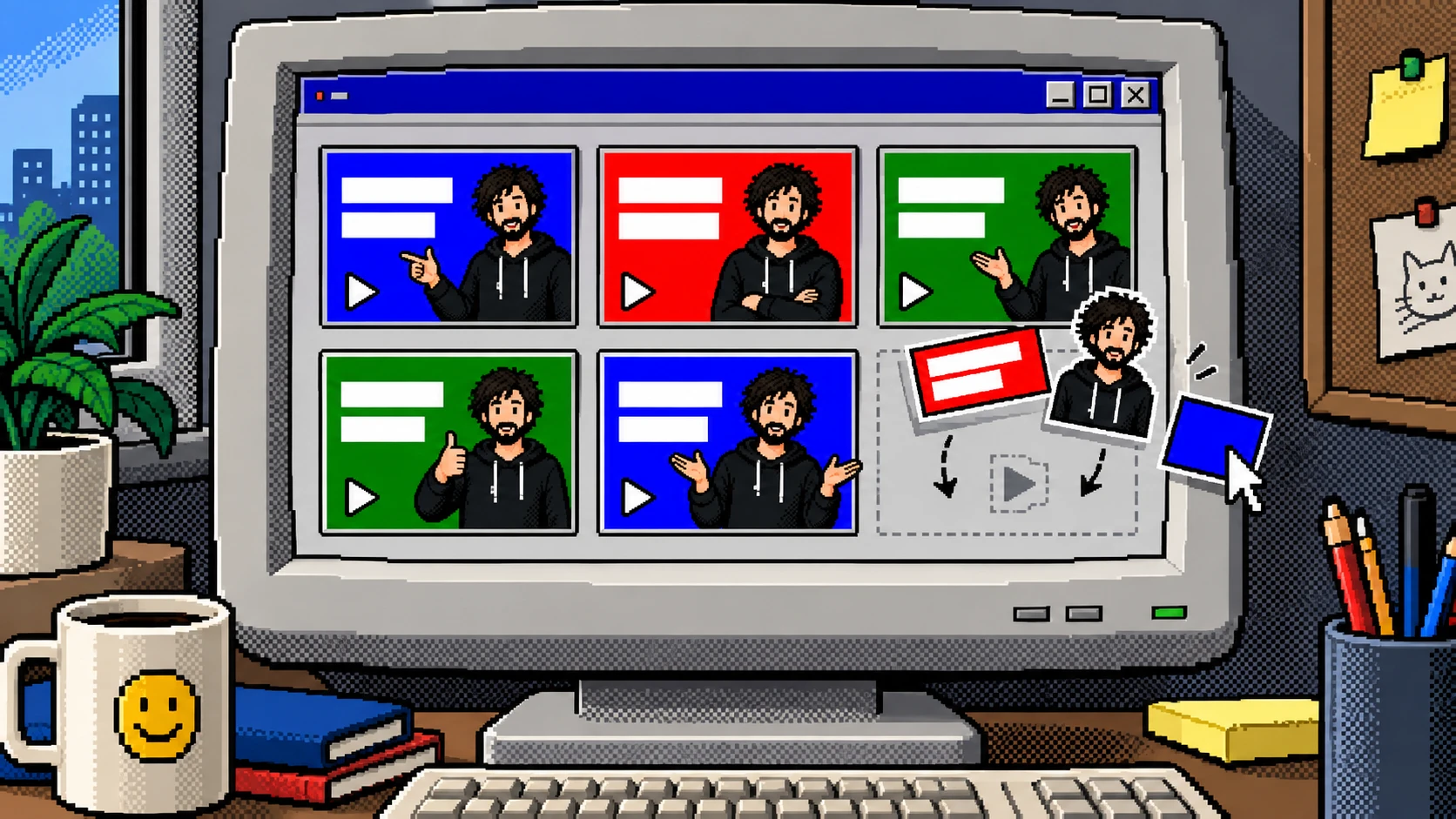
Designing a Scalable Video Thumbnail System for Sensibull's Learning Page
Arun Sajeev
4 min read · Jun 4, 2025

At Sensibull, we aimed to create an engaging educational video page to help beginners learn Options Trading through structured video content. While the content team was responsible for creating and uploading videos to YouTube and the learning platform, a consistent visual identity was missing in the video thumbnails, impacting user trust and engagement.
Problem
- The person uploading the videos was not a designer, which led to inconsistencies in thumbnail quality.
- As one of only two product designers on the team, I couldn't allocate time to manually create thumbnails for every video.
- We needed a repeatable and scalable solution that non-designers could use to produce visually appealing thumbnails.
Solution
To solve this, I designed a Figma-based video thumbnail template system that empowered non-designers to easily create professional-looking thumbnails without design expertise.

Features of the Figma Template

Editable Fields
These were the editable sections in the template.
- Thumbnail Title with support for emphasis (bold/important words) using two text styles.
- Dynamic Photo Swaps with different presenter poses.
- Background Colors & Patterns
- View count and other metadata placements.
Thumbnail Title

The most prominent element of any video thumbnail is the title. I designed this to be:
- Split into two text layers — allowing certain words or phrases to be bold or emphasized for better visual hierarchy and click appeal.
- Predefined font styles and sizes were added to avoid inconsistency and preserve visual balance.
- I also provided guidance on text length limits to ensure the title wouldn't overflow or misalign.
Customizable Backgrounds

- Multiple color palettes and pattern overlays to maintain variety while staying on-brand.
- Helped differentiate categories like workshops, shorts, playlists, etc.
Dynamic Photo Swaps

One key challenge was adding a human element to make the thumbnails more engaging.
- I collected and uploaded a library of photos of the presenter (model) with varied poses and expressions — such as smiling, serious, thinking, pointing, etc.
- This gave non-designers the flexibility to choose a photo that matched the tone of the video (e.g., serious for loss-related content, cheerful for success tips) without needing to edit or crop manually.
- The photos were already masked and aligned to fit perfectly within the template frame.
Impact
The introduction of the video thumbnail template system had a significant and wide-reaching impact across the Sensibull content and product workflows. Here's how it made a difference:
Streamlined Workflow
- The Figma template enabled non-designers to independently create thumbnails, reducing back-and-forth with the design team.
- Content creators and operations teams no longer needed to wait on designers to produce thumbnails.
- This removed a major bottleneck in the video publishing process, allowing content to go live faster and more consistently.
Focused Design Team Effort
- With only two product designers on the team, our time was precious. This system freed us from recurring, low-leverage tasks.
- It allowed us to focus on core product and UX challenges rather than spending time on marketing and visual production.
Improved Visual Consistency
- Before the template, thumbnail styles varied significantly, which affected brand trust and professionalism.
- Post-implementation, all video thumbnails followed a uniform, branded look — building stronger visual identity for Sensibull.
- The use of consistent fonts, colors, layout, and presenter photos elevated the perceived quality of the platform.
Better User Engagement
- A visually cohesive and professional-looking video catalog made it easier for users to trust the content, and stay longer on the page.
- The emotional cues from model expressions helped improve click-through rates for educational videos.
And... That's a wrap!
I hope you guys found this case article useful and informative. Feel free to hit me up on any social media platform if you have any questions. I would be more than happy to have a chat with you.